
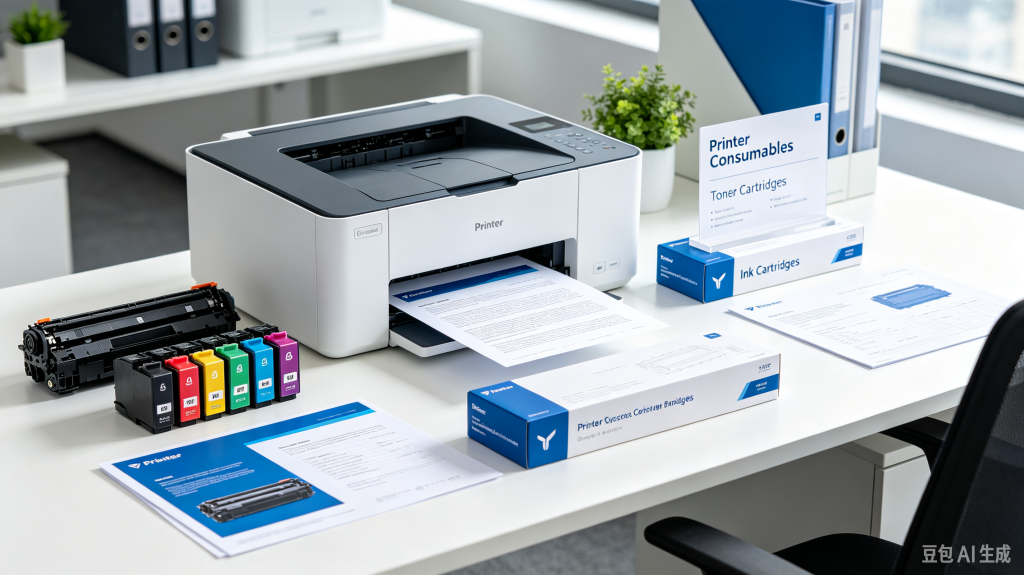
Selecting suitable printer consumables is critical for home users, small offices and commercial printing environments. Poor‑quality ink or toner cartridges often lead to faded texts, streaky prints, paper pollution and even unexpected damage to your printing hardware. Many buyers only focus on low price when shopping for printer consumables, ignoring compatibility, page yield and long‑term stability. Making smart choices on printer consumables will save you plenty of maintenance cost in the long run.
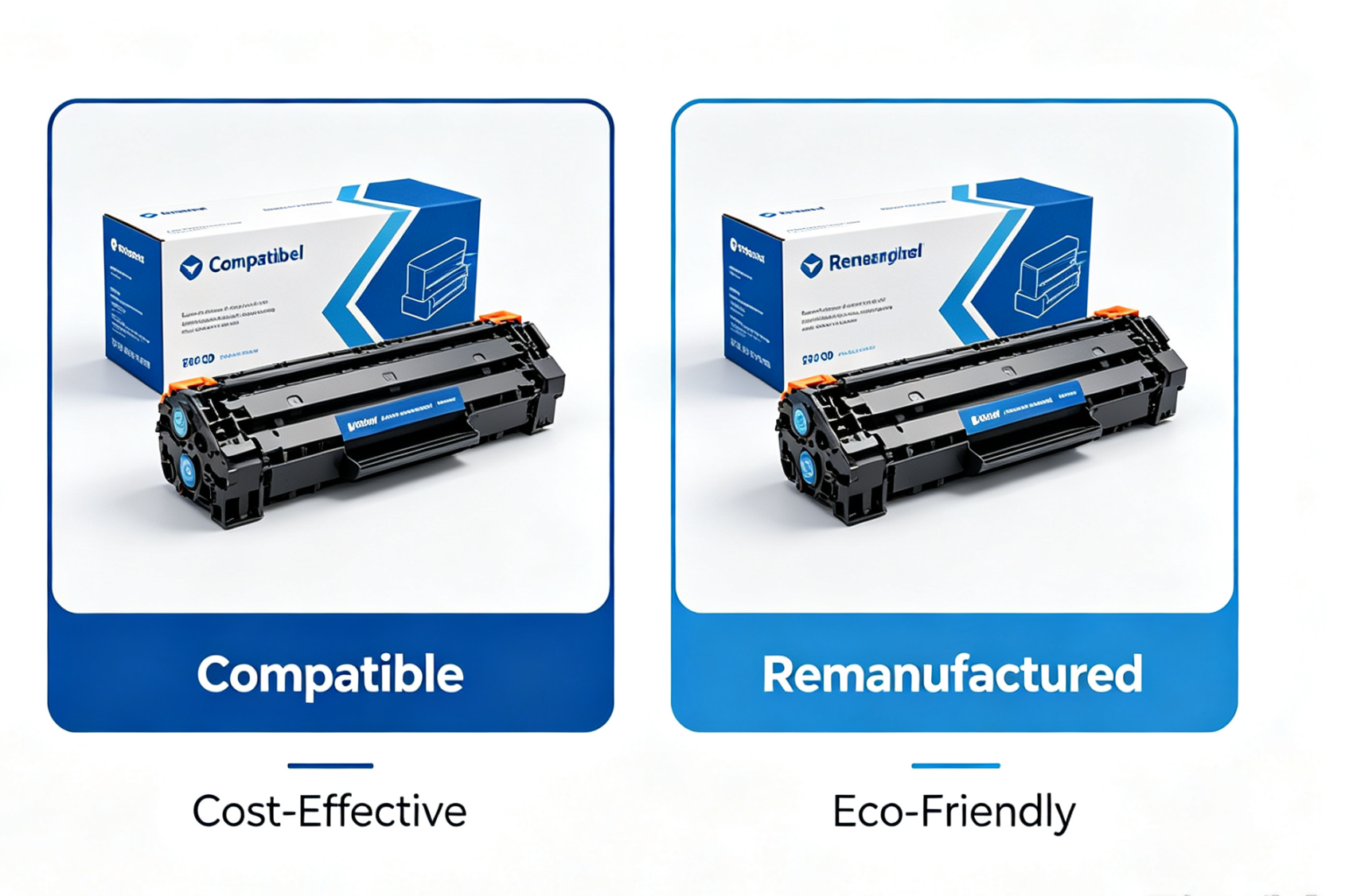
Main Types of Printer Consumables on the Market
Before placing an order, you need to confirm your exact printer model. Even products that look similar may fail to work if they do not match the machine specification. Three mainstream types of printer consumables are widely available on the global market.
High‑quality Compatible Cartridges
For users with tight budgets, high‑quality compatible cartridges become a cost‑effective alternative. Qualified compatible printer consumables can deliver comparable print results while greatly cutting down your printing expense per page. Most small‑and‑medium‑sized offices prefer this option.
Remanufactured Cartridges
Remanufactured cartridges reuse recycled shells with refilled ink or toner. This type fits buyers who pursue environmental‑friendly printing solutions. Please double‑check product test reports before buying remanufactured printer consumables.
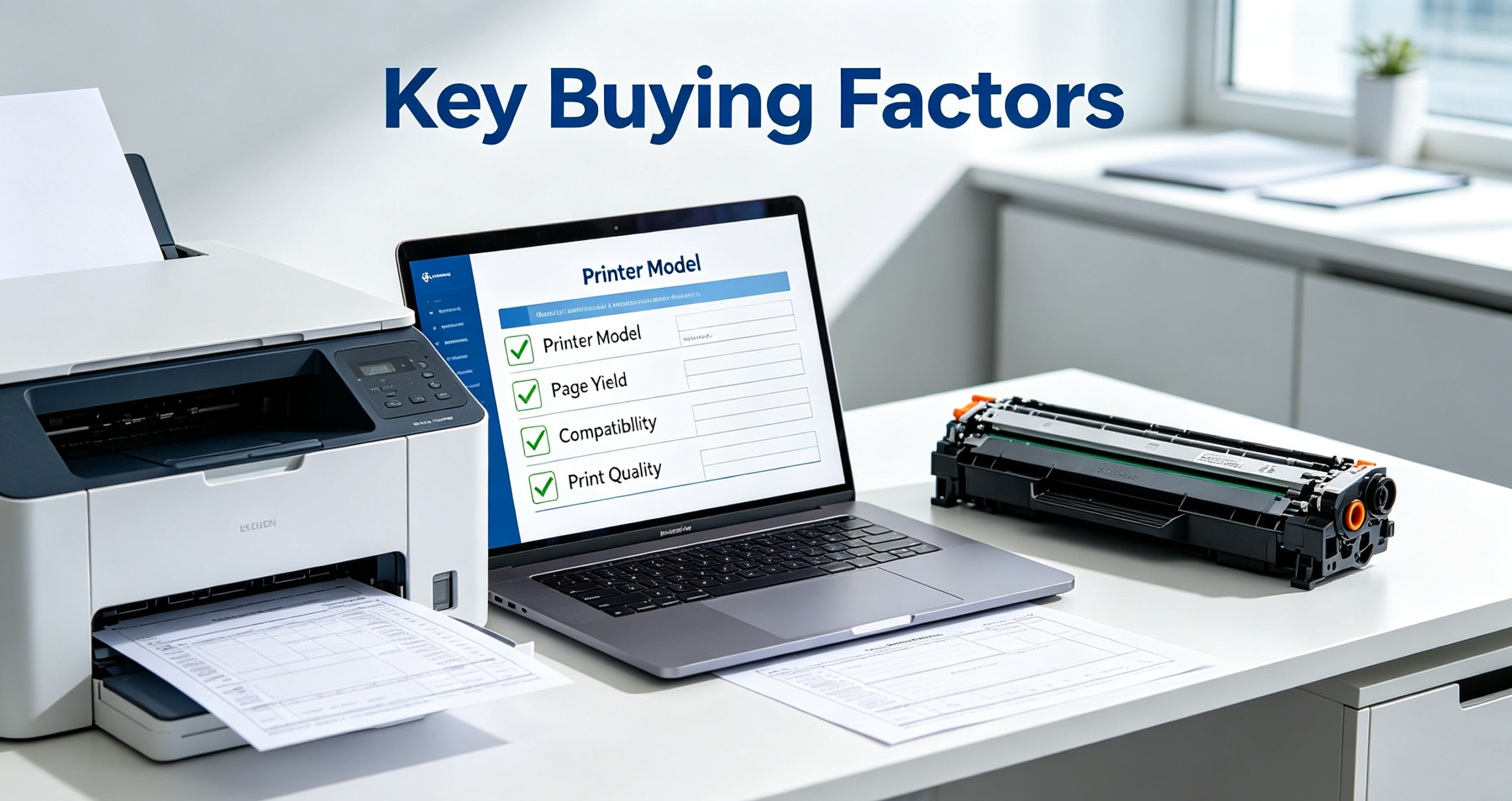
Key Factors to Evaluate When Buying Printer Consumables
Pay Attention to Page Yield
Page yield tells how many pages one set of printer consumables can output. Many cheap cartridges carry low actual yield, so you end up replacing them far more frequently. High‑yield toner or ink consumables are more suitable for heavy‑printing offices to reduce frequent replacement work.
Confirm Model Compatibility
Compatibility is always the first priority. Wrong model printer consumables will not be recognized by your printer, or even cause chip failure. Always refer to your printer manual for the exact cartridge model number.
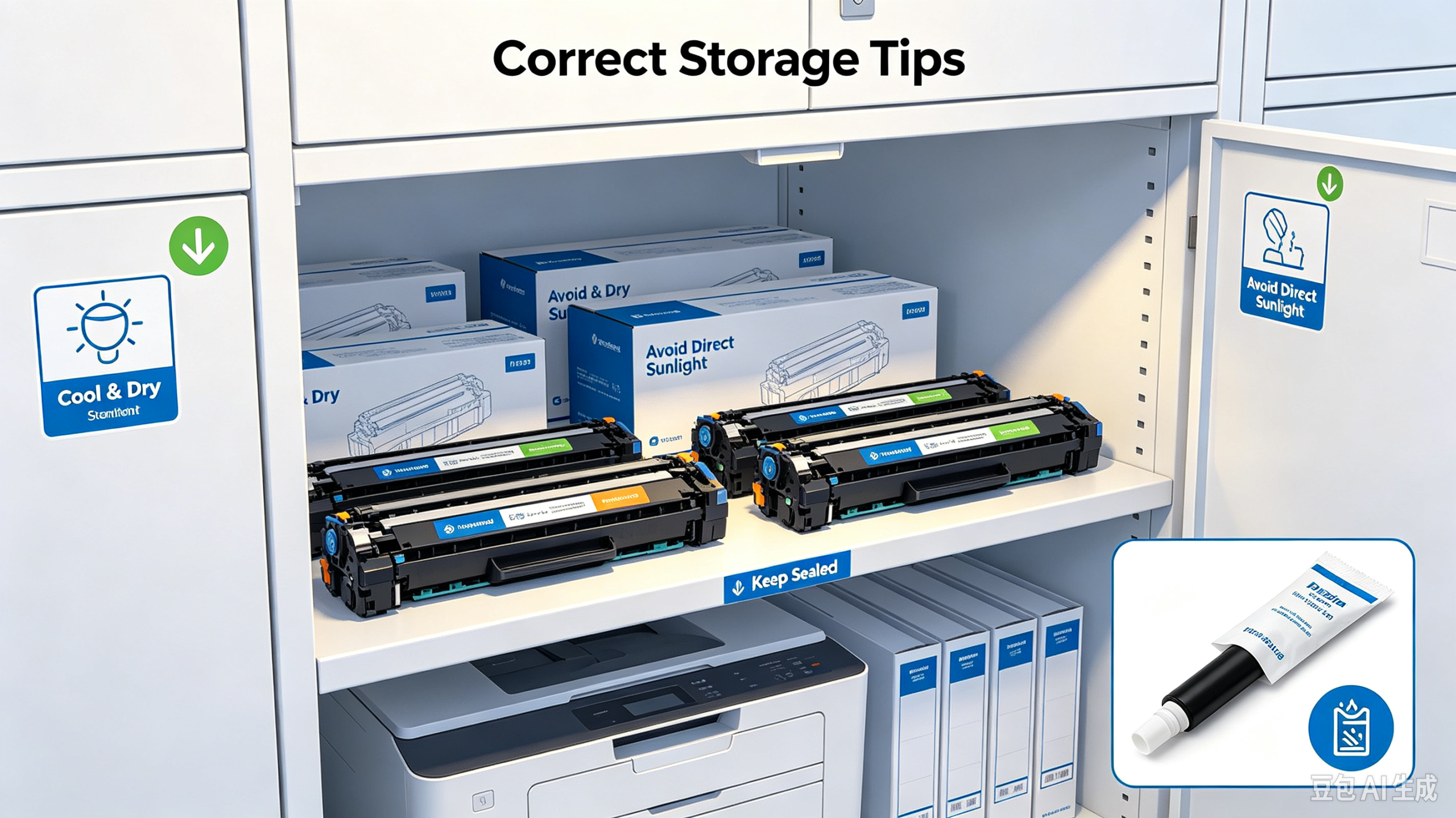
Correct Storage Tips for Printer Consumables
Improper storage also shortens the service life of printer consumables. Keep ink and toner cartridges in cool, dry places, away from direct sunlight and high humidity.
Do not tear off sealed packaging until you are ready for installation. Once exposed to air for too long, ink may dry up and toner may clump, causing bad print outputs. Unopened qualified printer consumables can be stored for 12‑24 months.
Common Troubleshooting for Printer Consumable Issues
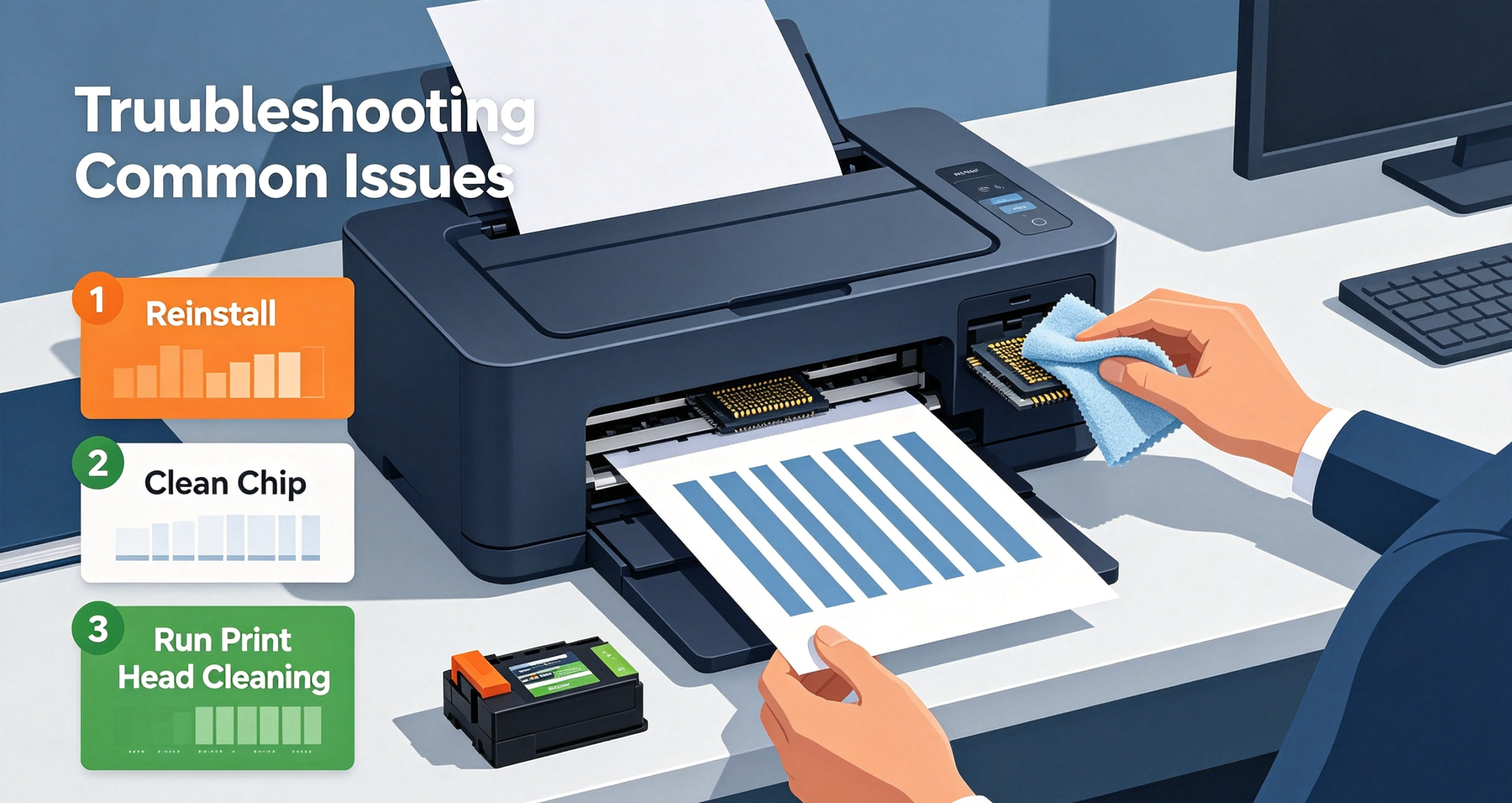
If you meet common print issues after installation such as faint output, vertical lines or unrecognized cartridge prompts, simple troubleshooting steps can help.
1. Take out and re‑install the consumable firmly;
2. Gently clean the chip contact with dry lint‑free cloth;
3. Run the built‑in print‑head cleaning function from your printer setting panel.
When these attempts do not work, switch to another set of qualified printer consumables instead of forcing the defective unit to run.
Why Choose Trustworthy Suppliers
Choosing trustworthy suppliers matters equally. Formal suppliers strictly test printer consumables before delivery, offering after‑sales support for compatibility or quality problems.
Low‑cost counterfeit consumables may seem attractive, but they risk ink leakage, print‑head clogging and potential harm to your expensive printer device.
Final Conclusion
Whether you print business documents, student homework or color marketing flyers, well‑matched printer consumables help you get clear, consistent output and extend your printer’s service life. Balance your real printing volume, quality expectation and total running cost, rather than making purchase decisions only based on unit price.
Frequently Asked Questions
Q: Will compatible printer consumables void my printer warranty?
A: In most regions, using third‑party compatible consumables will not automatically void printer warranty, unless hardware damage is directly proven caused by defective consumable products.
Q: What causes streaky printing after installing new consumables?
A: It may result from dirty print head, damaged chip or inferior printer consumables. You can run print‑head cleaning first to rule out simple failures.